
Disabling Background Operations and Stabilizing Firmware via Terminal for Seagate F3 Drives with Weak Head
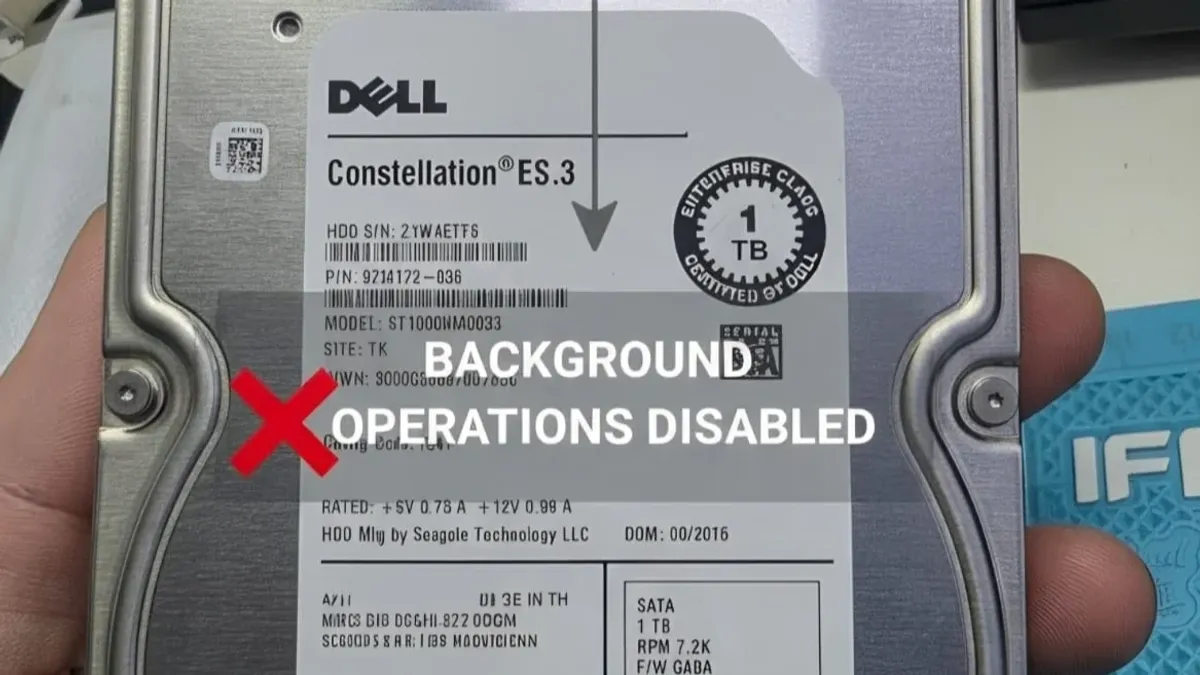
The Megalodon (Barracuda XT) Seagate family, designed around Conventional Magnetic Recording (PMR) architecture, serves as a prime candidate for advanced stabilization protocols when dealing with head degradation. In this engineering case, our lab received an ST1000NM0033-9ZM173 drive containing three heads (0, 1, 2) with a severely compromised Head 2. The primary technical threat stems from firmware-level background activities, which continuously stress weak heads and can result in catastrophic platter scoring.
Megalodon Architecture and Diagnostic Challenges
Since this family relies on PMR rather than SMR technology, modifying Service Area (SA) parameters is highly stable and safe. The essential step before initiating the cloning phase is forcing the drive’s internal operating system to cease all self-maintenance, background scans, and deferred read/write operations.
Controlling Offline Scans and SMART Reports via Terminal
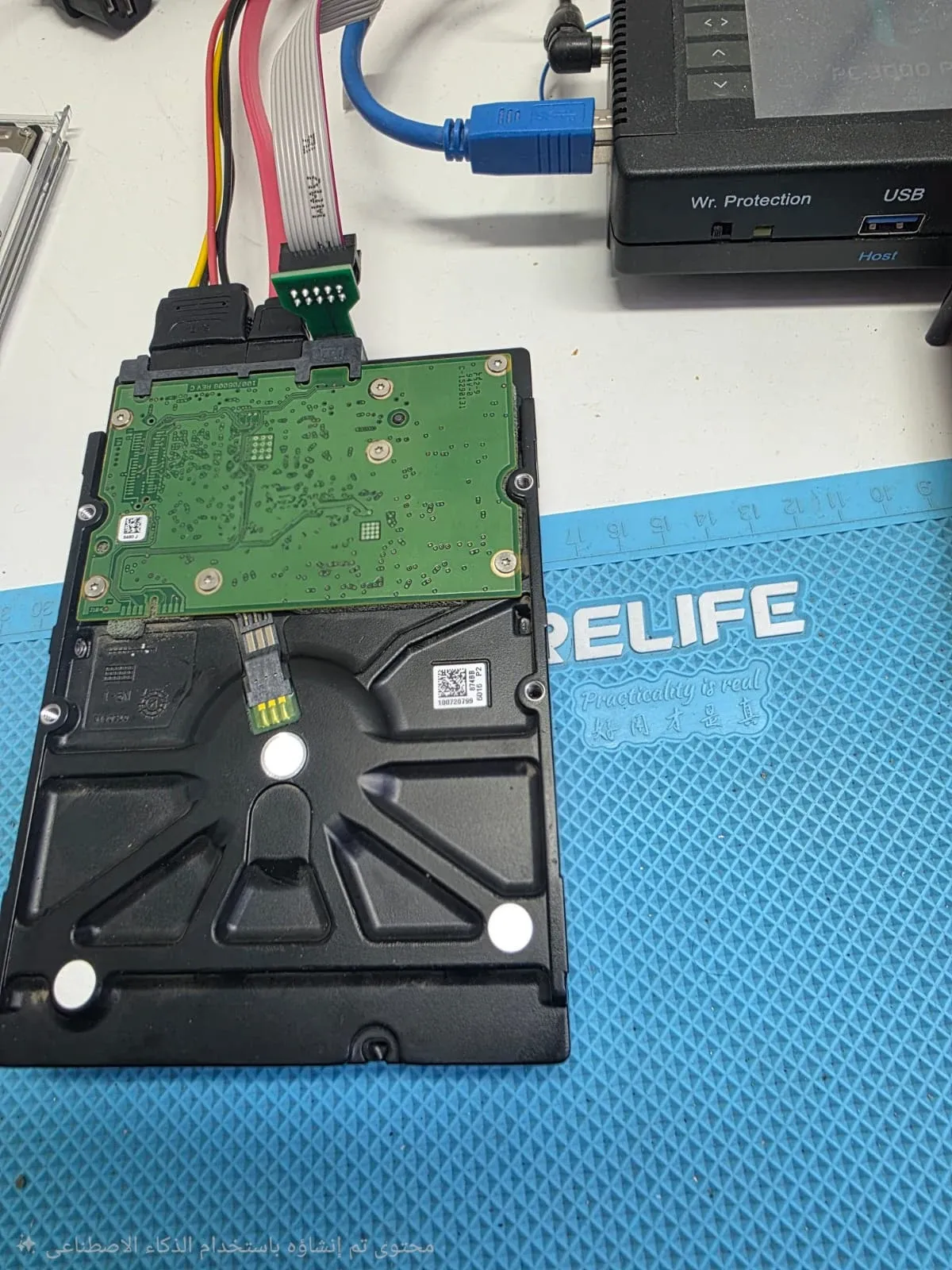
To disable these high-stress subsystems, we connect the terminal cable and issue the Ctrl+Z interrupt sequence to access the main command prompt F3 T>. We then execute the following diagnostic protocol:
- Disabling Directed Offline Scan (DOS): We switch to Level 7 to purge the background surface scanning tables:
F3 T>7F3 7>m100 - Deactivating SMART Error Logging: We switch to Level 1 to prevent write operations dedicated to error logging during bad sector encounters:
F3 7>1F3 1>N1
Neutralizing the Media Cache Buffer
The Media Cache (system file 346) poses a significant risk in unstable drives by attempting background writes of cached data. We neutralize this by navigating to Level C:
F3 1>C
F3 C>U10 (If this command is unsupported by the specific microcode revision, we utilize the alternative C>U2).
Modifying Control Registers and F-Commands
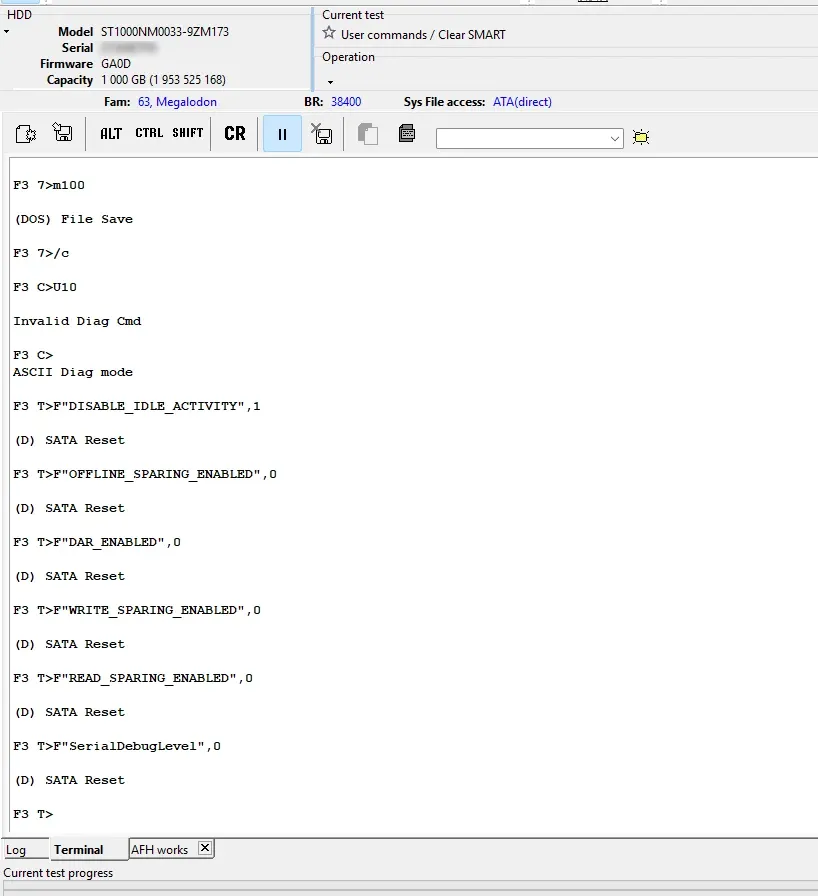
The Seagate F3 architecture allows direct hardware-level control over drive mechanics by issuing F-Commands directly in Level T:
F"DISABLE_IDLE_ACTIVITY",1: The most critical command to prevent the microcode from executing any mechanical seek routines when the drive enters an idle state.F"OFFLINE_SPARING_ENABLED",0: Disables background spare sector reallocation.F"DAR_ENABLED",0: Stops the Deferred Auto-Reassign mechanism responsible for managing pending defect lists.F"WRITE_SPARING_ENABLED",0andF"READ_SPARING_ENABLED",0: Prevents real-time sector reallocation during read or write operations.F"SerialDebugLevel",0: Conserves processor cycles by stopping non-essential diagnostic output to the terminal port.
Saving Configuration and Setting Up the Imaging Strategy
To prevent these parameters from resetting during power cycles, we edit the drive’s configuration ID:
- Navigate to Work with SA and select Edit HDD ID (Terminal).
- Uncheck all active option checkboxes except for the first line: (Show additional diag msg in terminal).
- Commit the modifications to the SA using the Write to HDD command, followed by a hardware Power Cycle to initialize the new parameters.
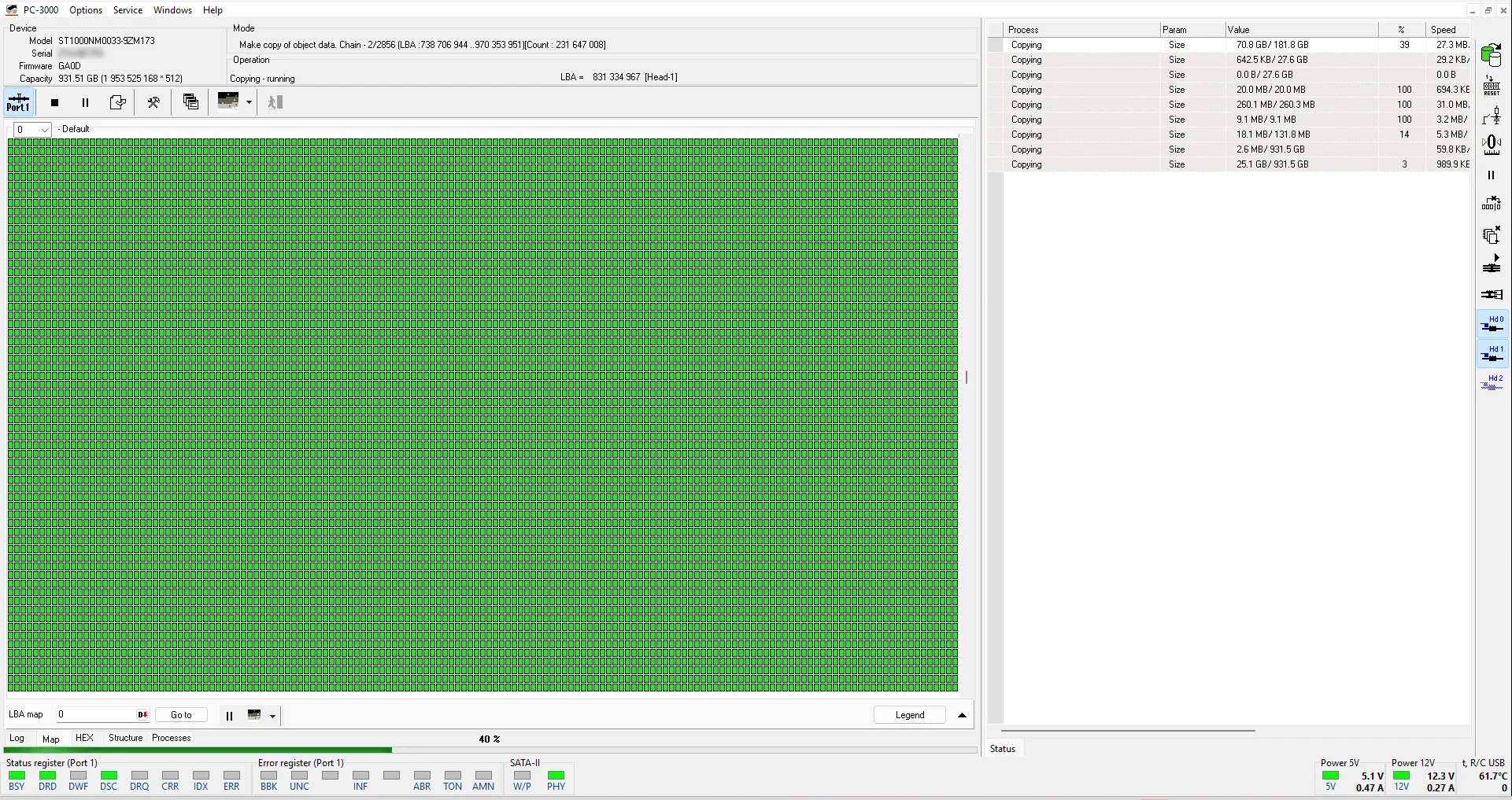
Once the firmware is stabilized, we transition to the Data Extractor utility to construct a virtual Heads Map. We apply our standard safety protocol: disabling the weak Head 2 in the first phase to image the healthy heads (0 and 1) at maximum speed, and subsequently activating Head 2 with customized skip/jump parameters to safely extract the remaining sectors.
Need professional help?
Our experts at Al-Fares Center are ready to recover your data using state-of-the-art technology with a 95%+ success rate.